English
 Arabic
 French











No reviews yet. Be the first to review!
Product Features
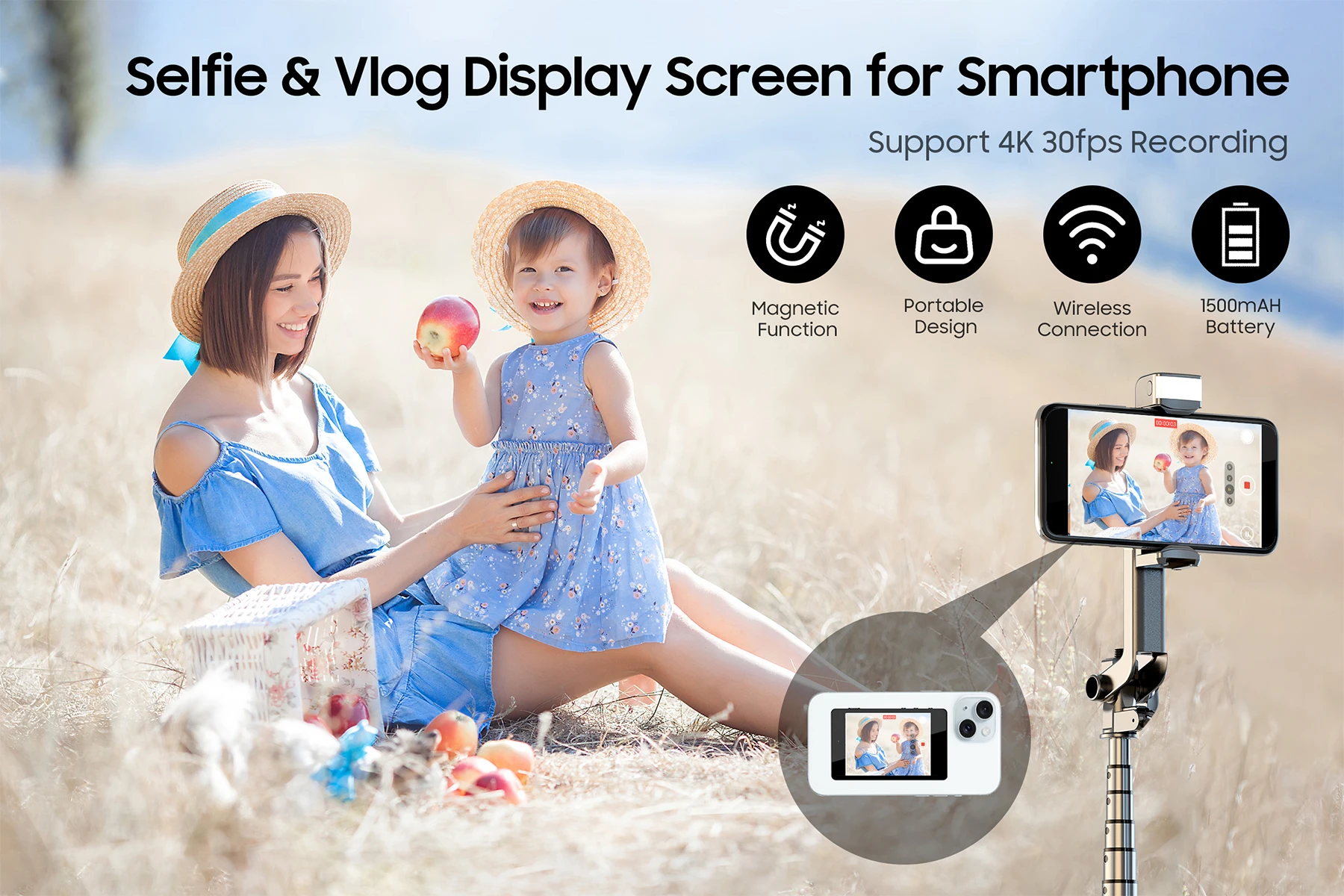
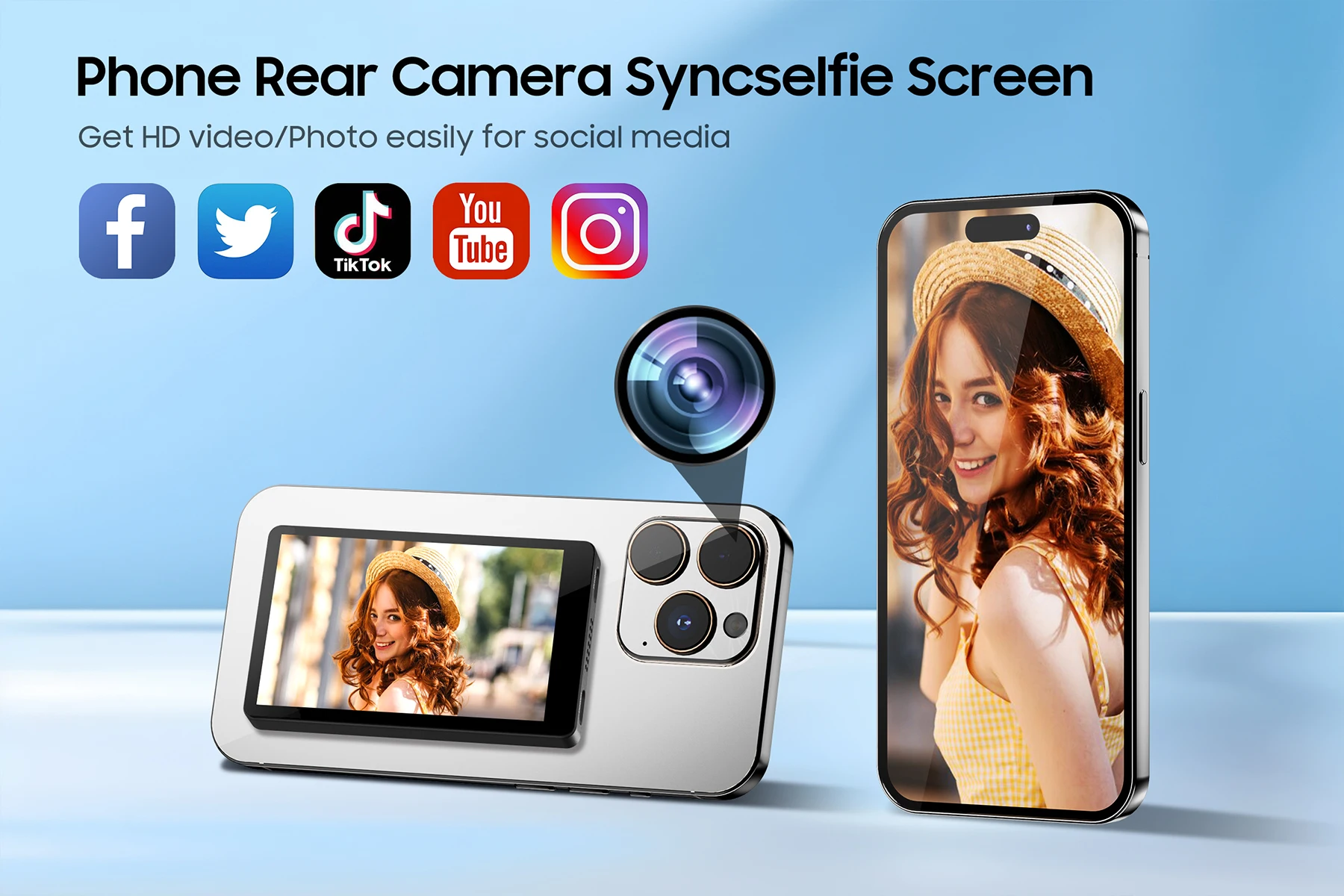
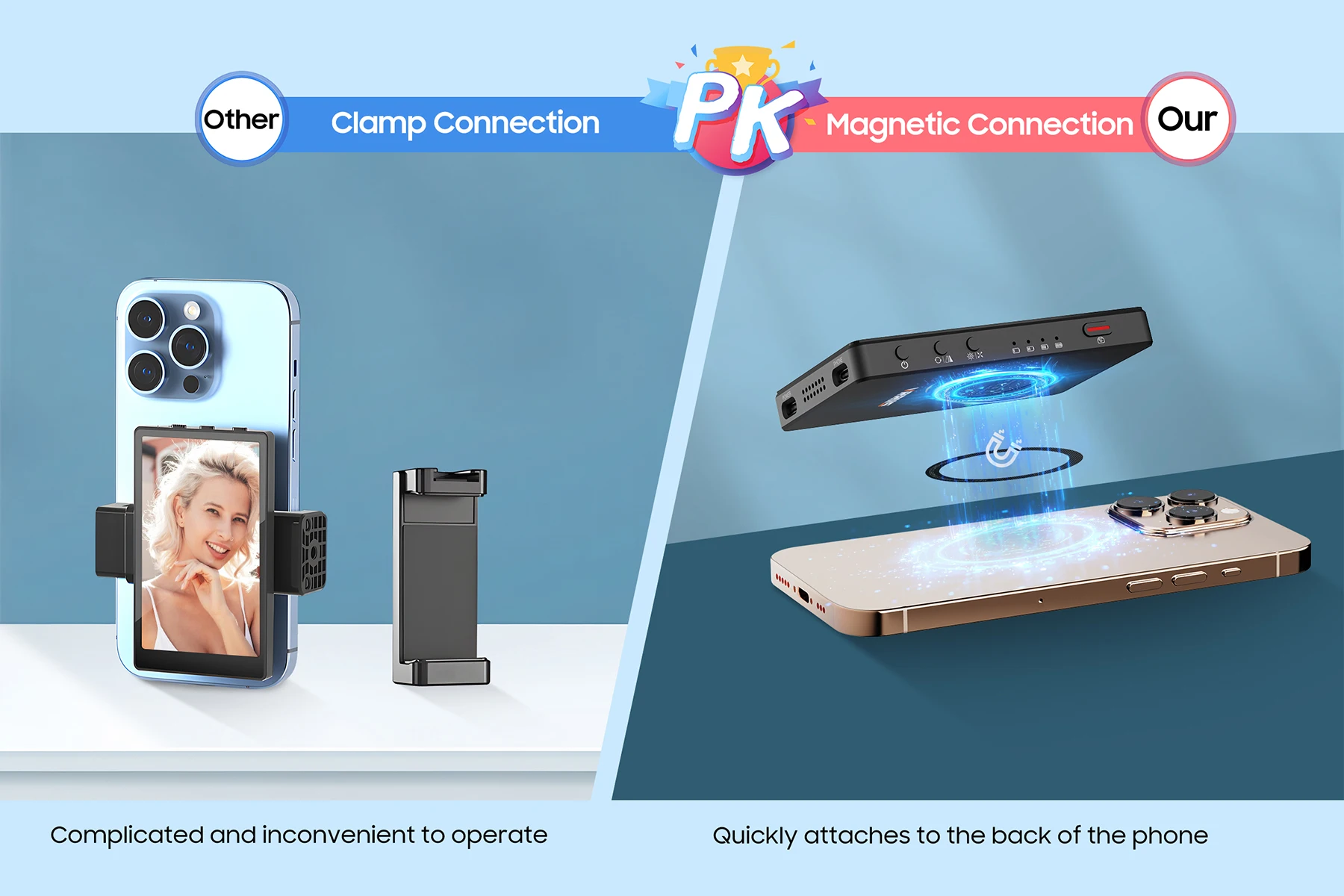
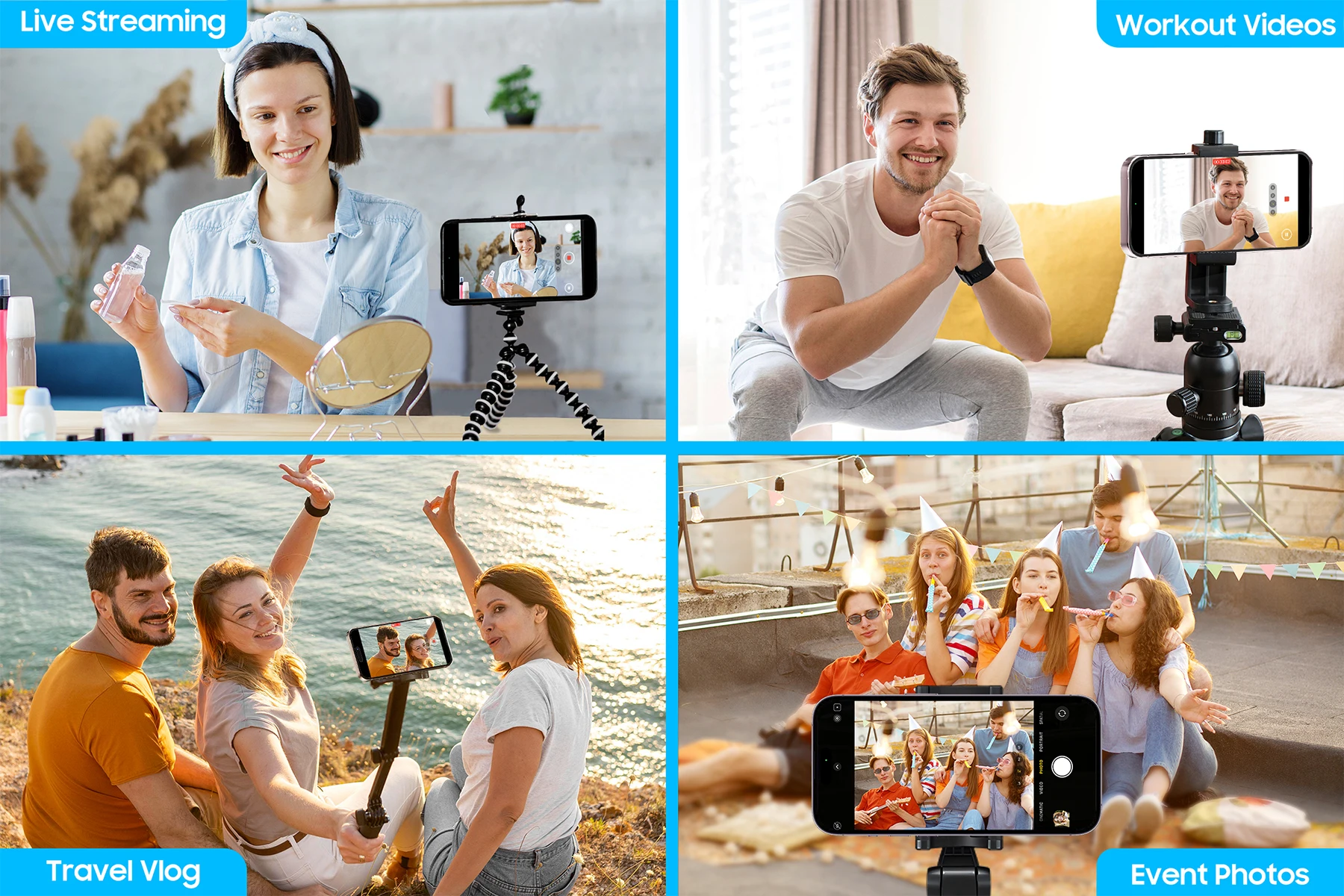
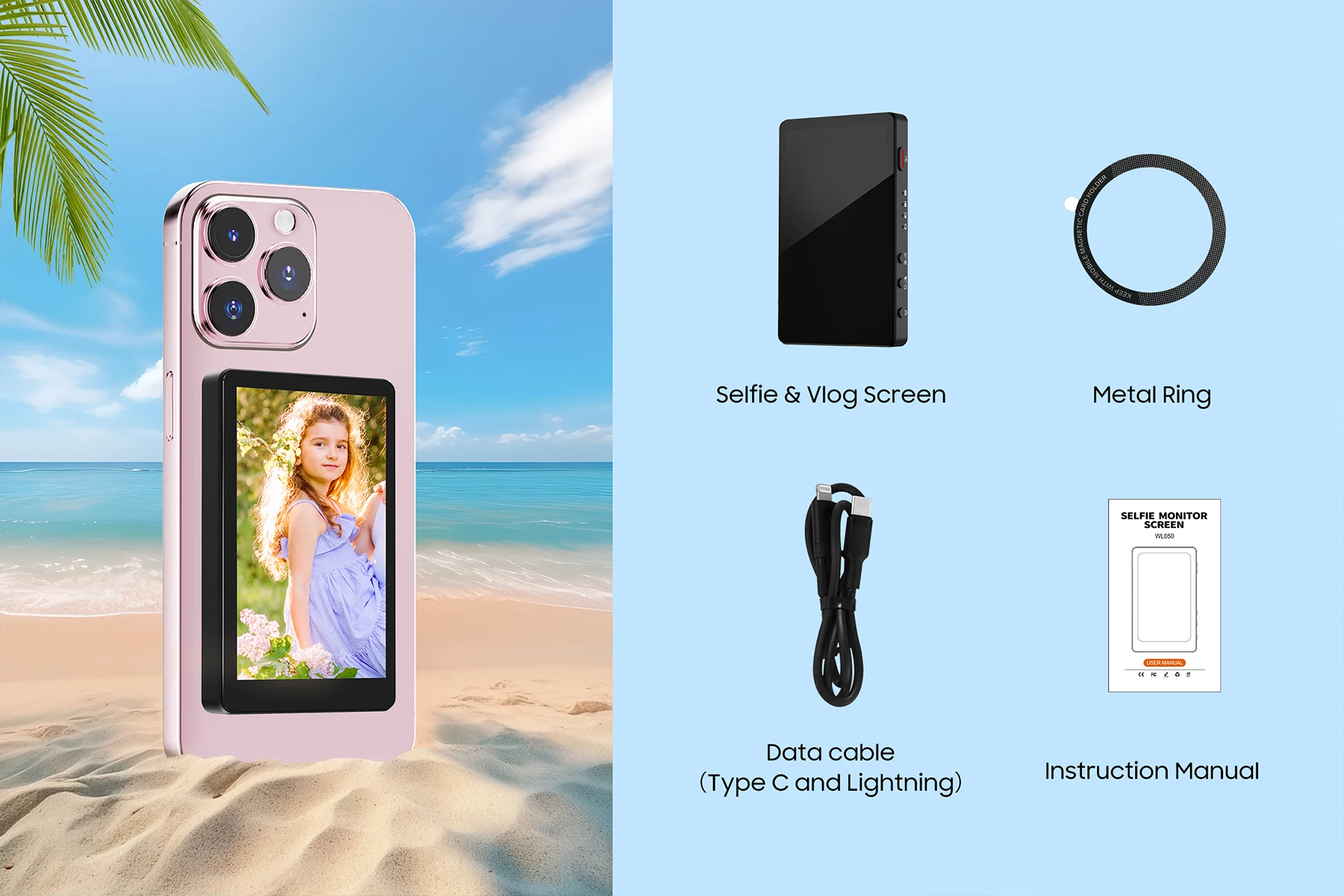
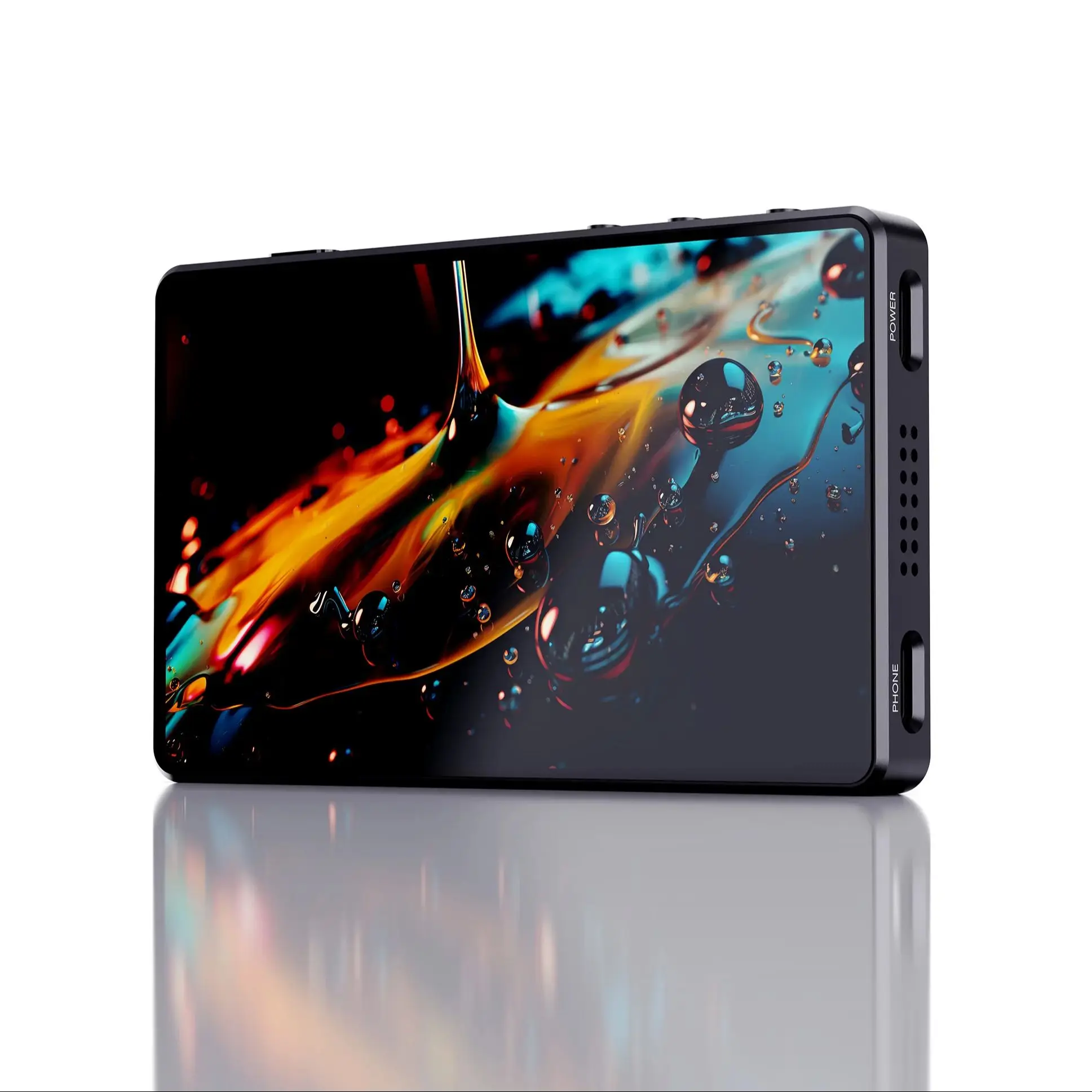
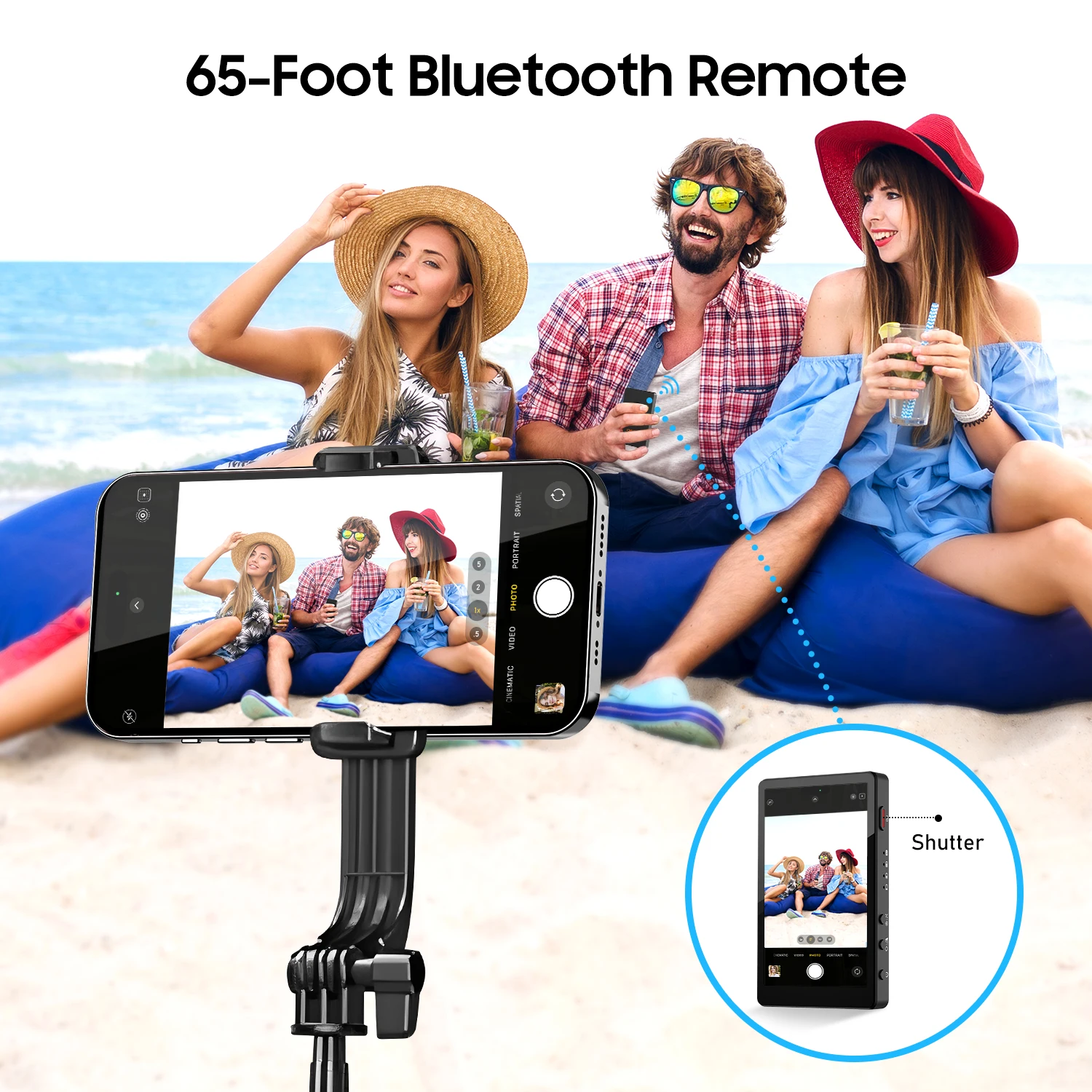
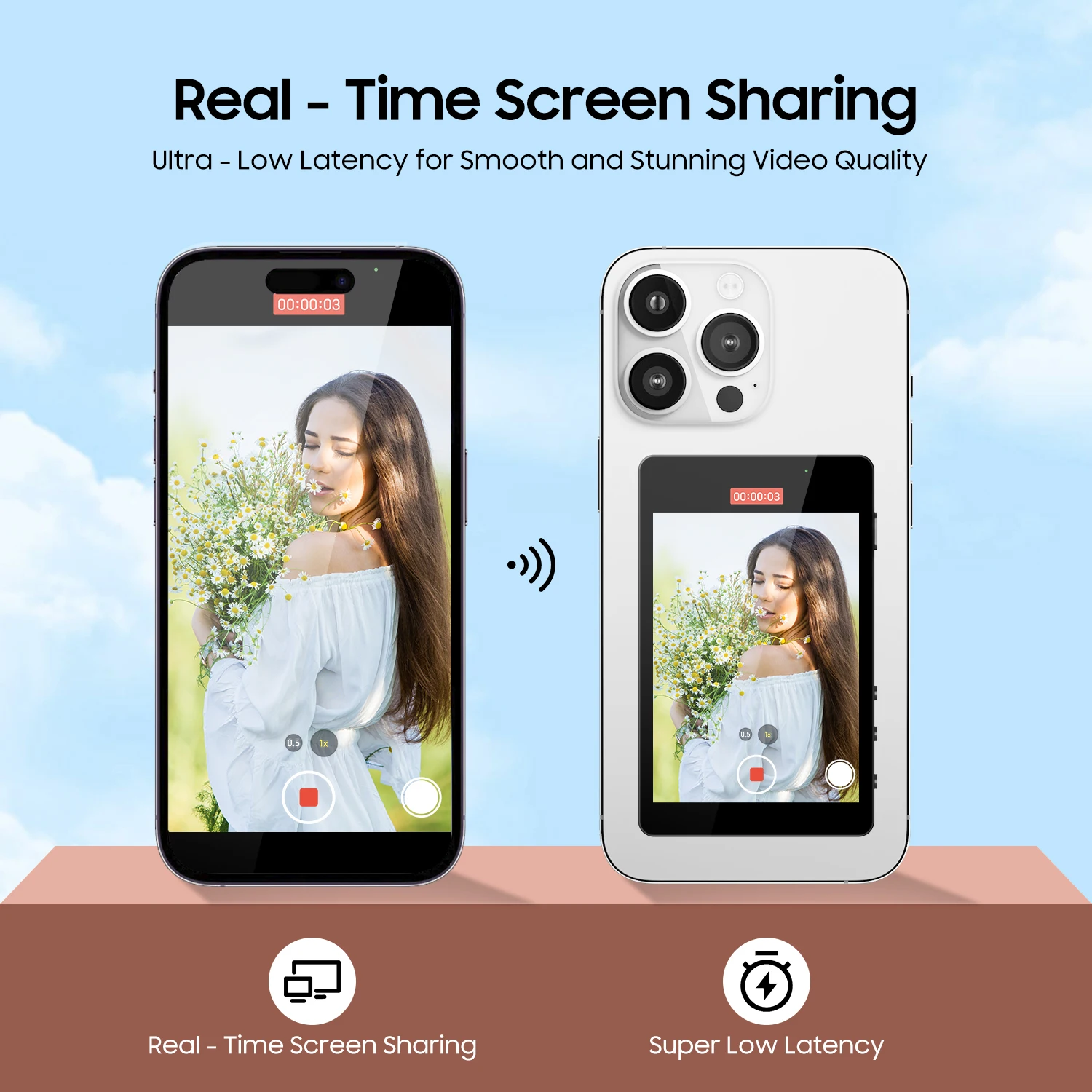
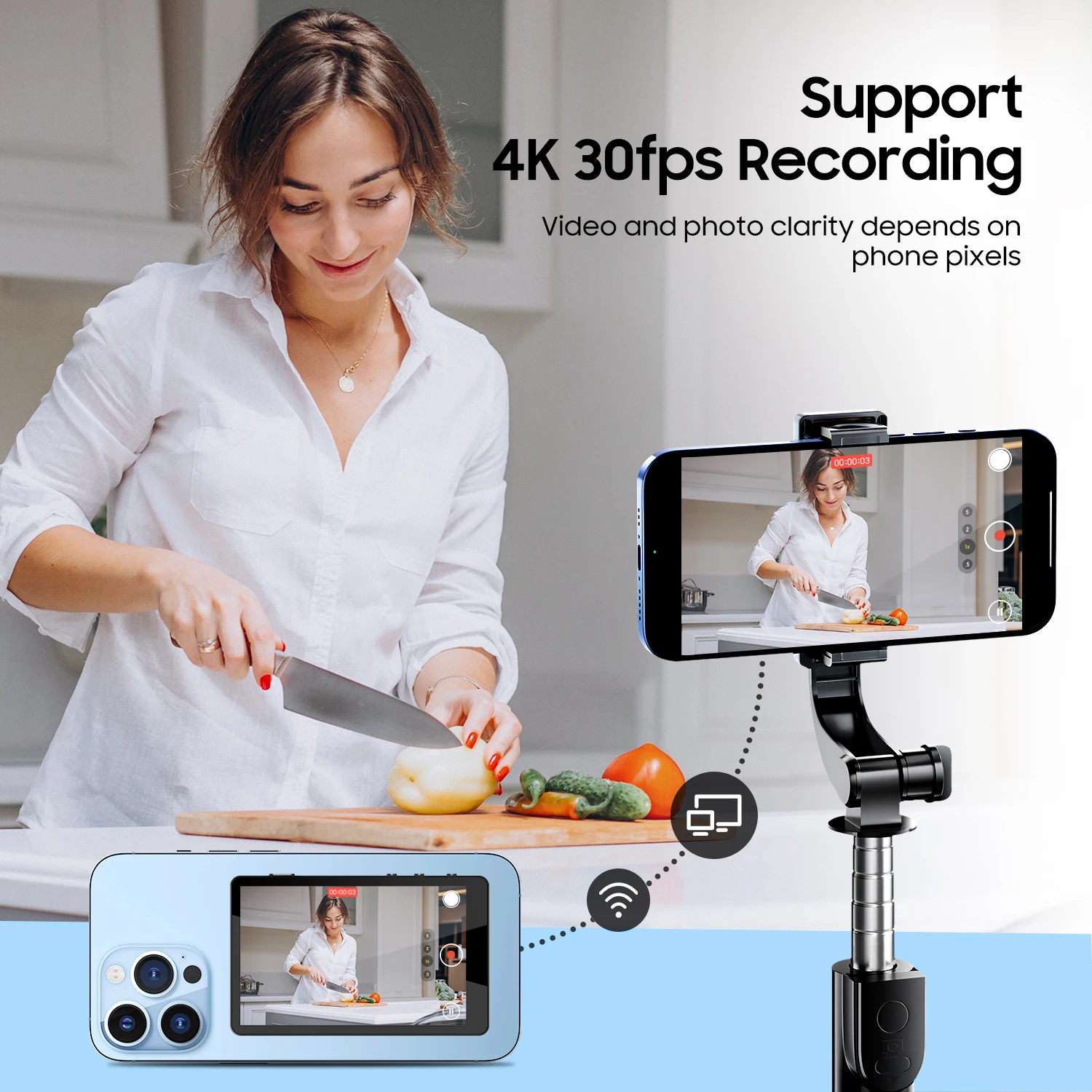
The WL050 Wireless Shooting Monitor is a highdefinition portable device designed for selfies, live streaming,and vlogging.It connects to your smartphone via WiFi/Bluetooth or wired Type-C, enabling realtime screen mirroring.Key features include synchronized smartphone display,Bluetooth shutter control,adjustable screen brightness,and display modes.Compact,userfriendly,and equipped with long-lasting battery life,it is an ideal tool for content creators and live streamers.
Support Android and Apple system phone
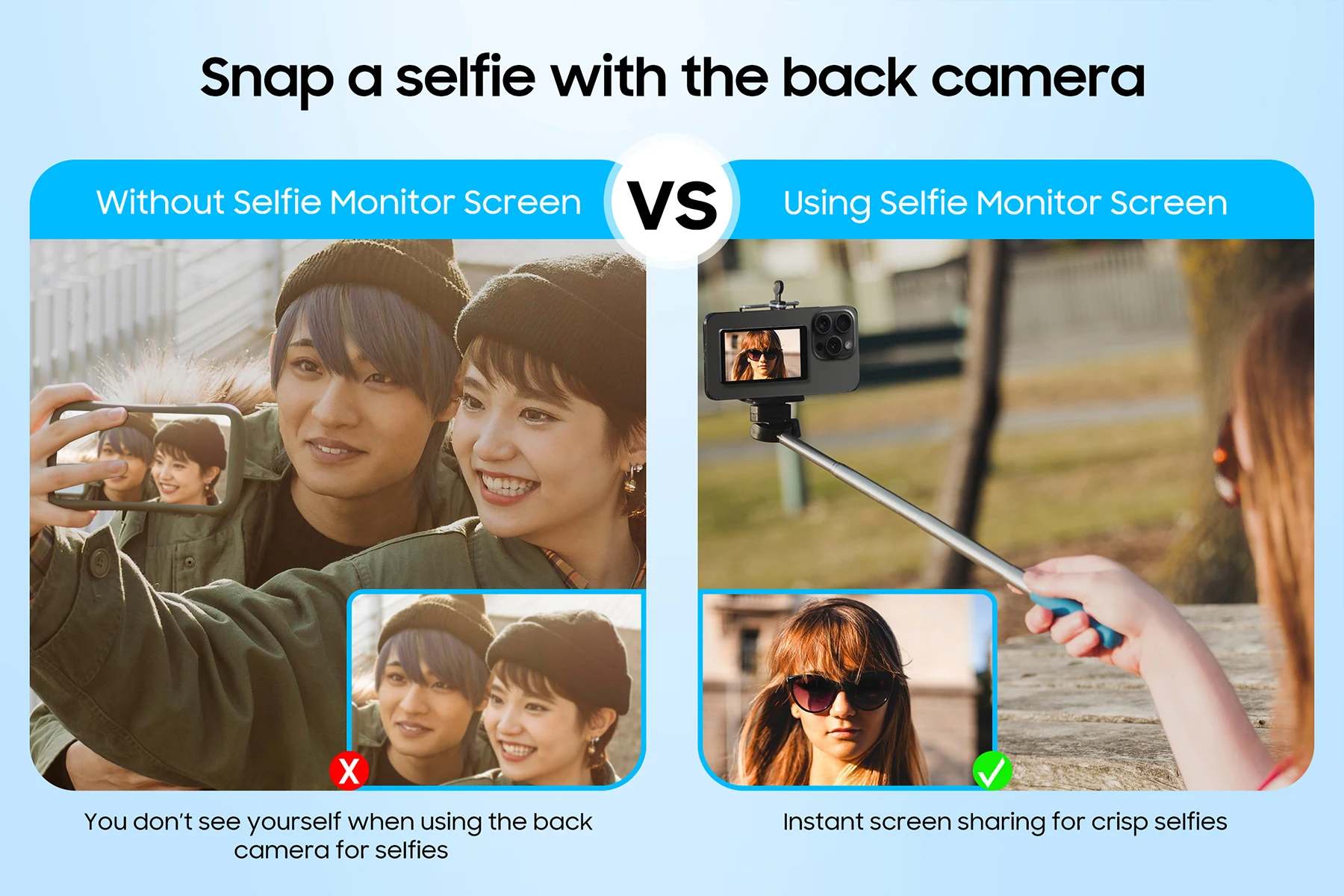
Multi-Scenario CompatibilitySmartphone Mirroring: Perfectly syncs with youphone's screen for high-quality rear-camera shooting,live streaming, or teleprompter use.
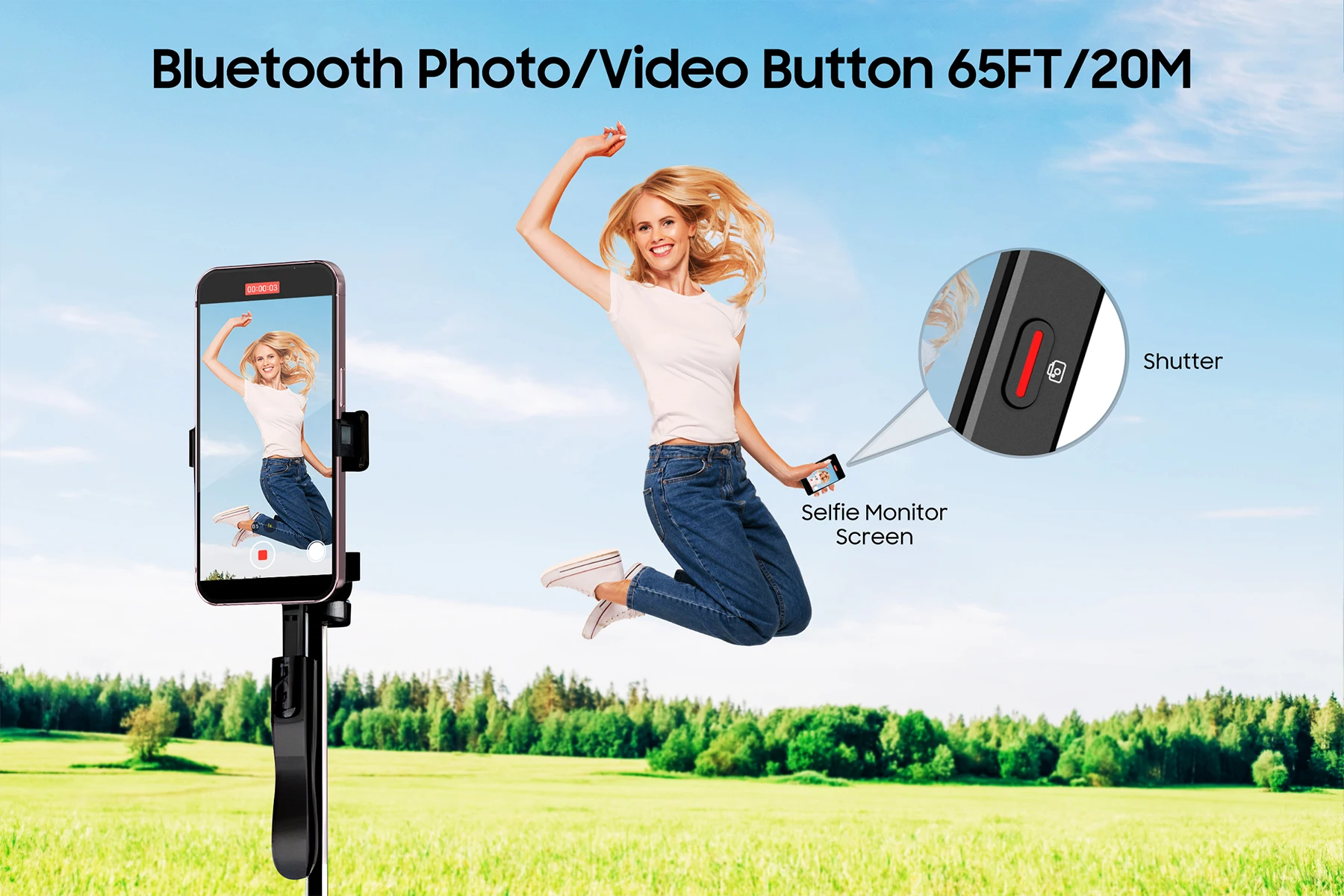
Bluetooth Shooting: Support Bluetooth wireless mirroring, shooting, and power bank functions.shooting.
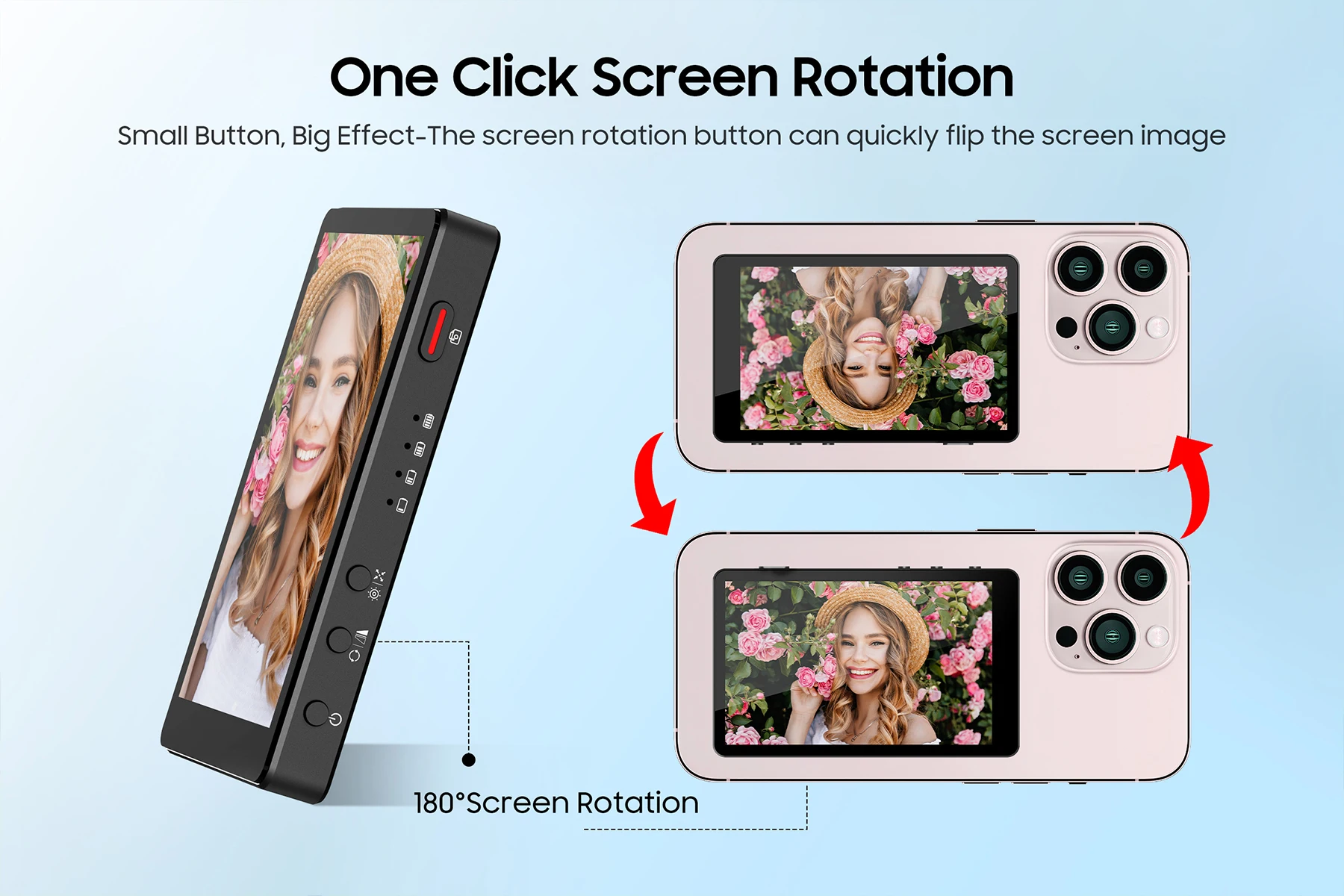
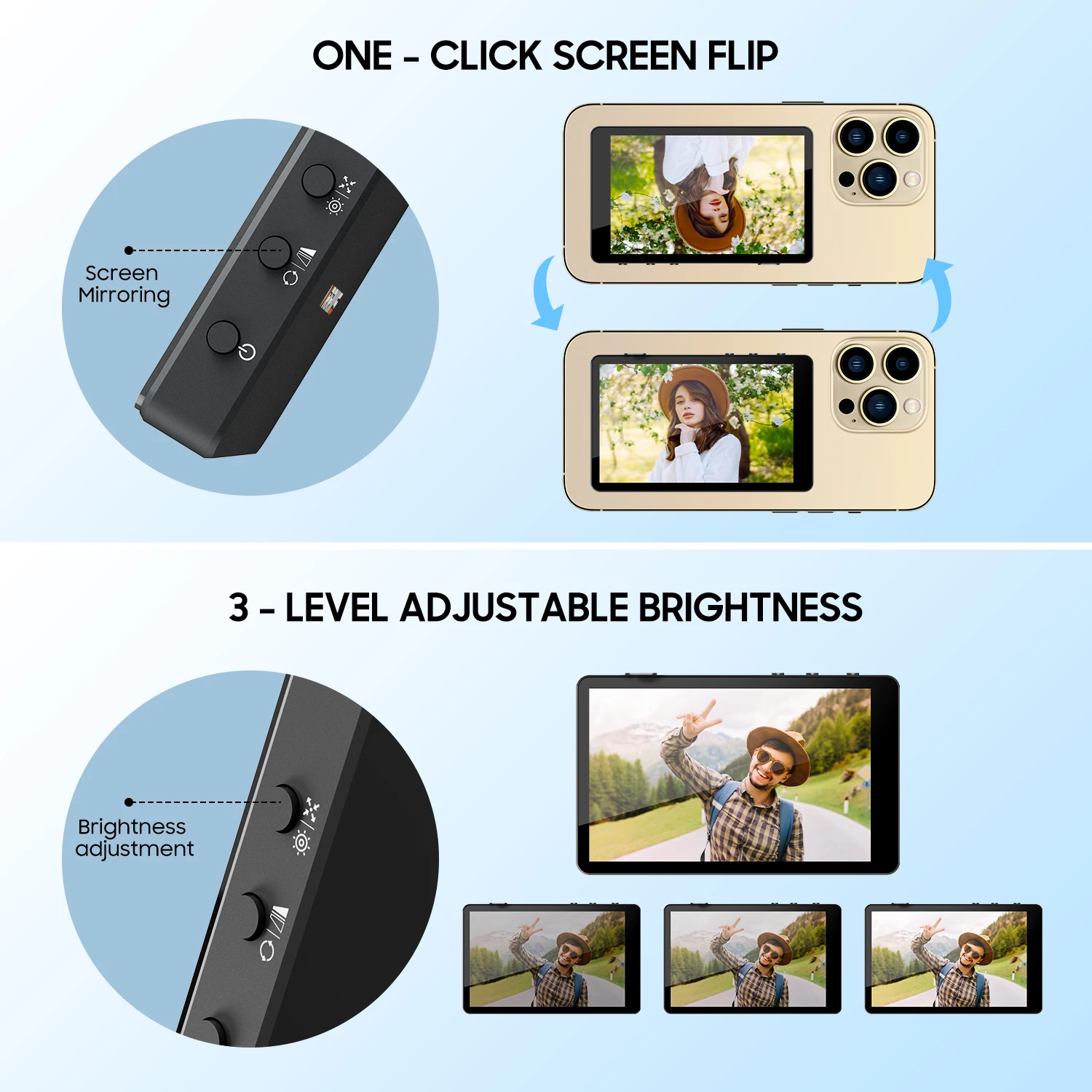
Supports wired connection and combines screenFlexible Controls180° flip and mirror mode switching.
Adjustable display ratios.Wireless Convenience.High-speed 5.8GHz WiFi with a 100-meter range (in open areas).
Built-in 1500mAh battery provides up to 3 hours ofcontinuous use.Supports charging while in operation.
How to use
A.HUAWEI mobile phone connection
1.Slide out mobile phone function of "Control Center"
2.Click "Wireless Projection"3. Confim the device.
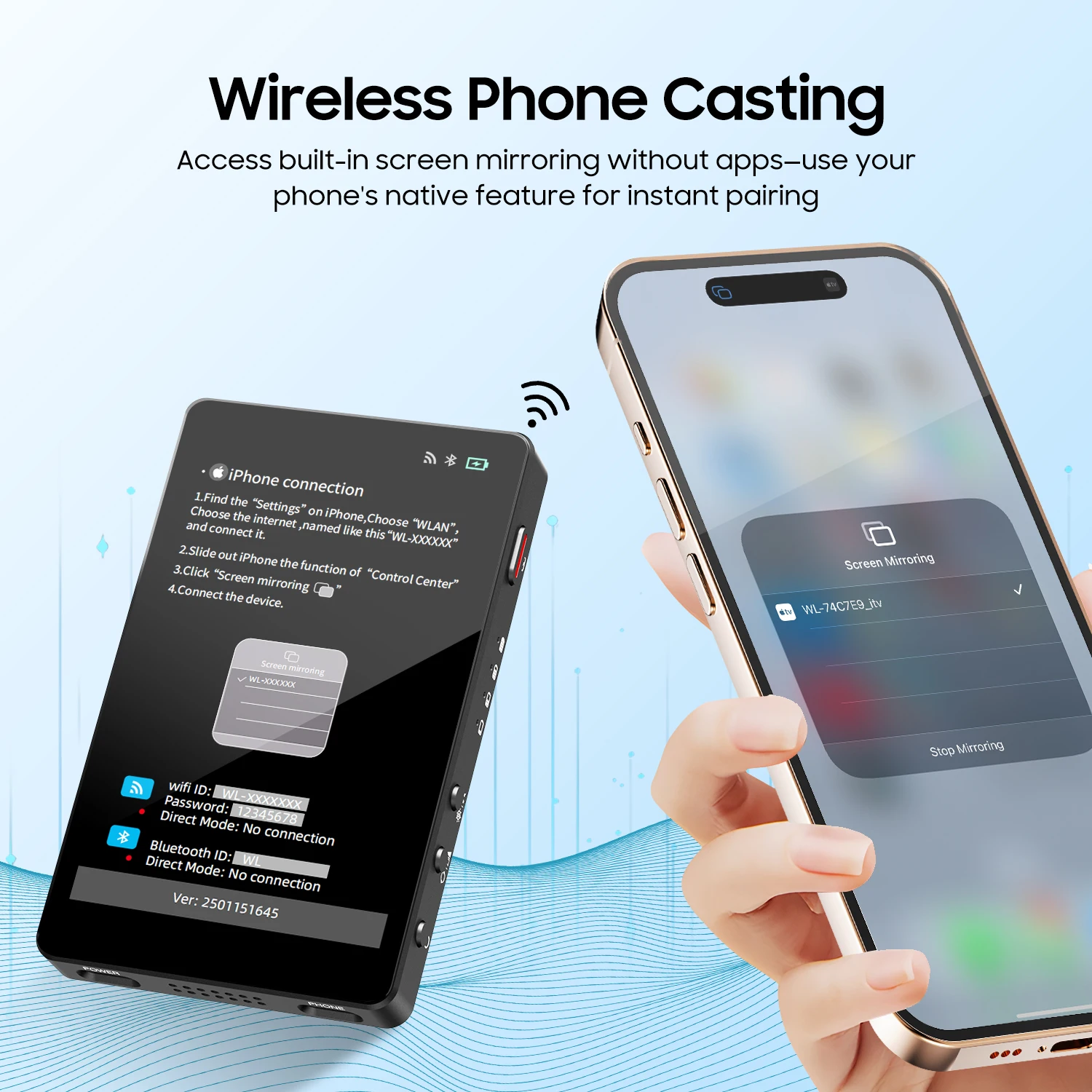
B.iPhone connection
1. Find the "Settings" on iPhone, Choose "WLAN",Choose the internet named like this "WL-XXXXXX" and connect it.
2.Slide out iPhone the function of "Control Center".
C.Android phone connection
1.Set up wireless screen projection;
2.Wireless sharing;
3.Multi-screen interactive selection device.
Wireless ShootingNote:
Connect both Bluetooth and WIFI before using function of shooting.
1. Complete Wi-Fi mirroring steps above.
2. Enable Bluetooth and pair with"WL".
3. Open your phone's camera app and press the WL050 shutter button.