English
 Arabic
 French












No reviews yet. Be the first to review!
BoomX-D
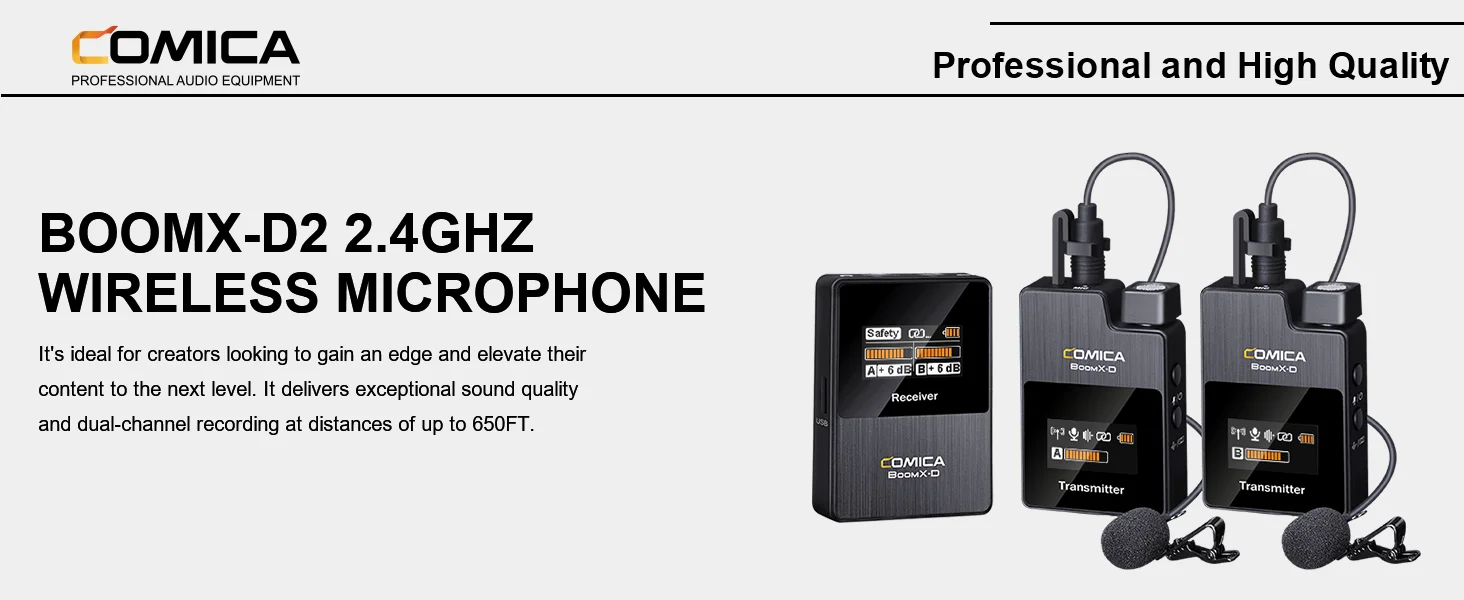
2.4G Digital Wireless Microphonewith Dual-transmitters and one Receiver
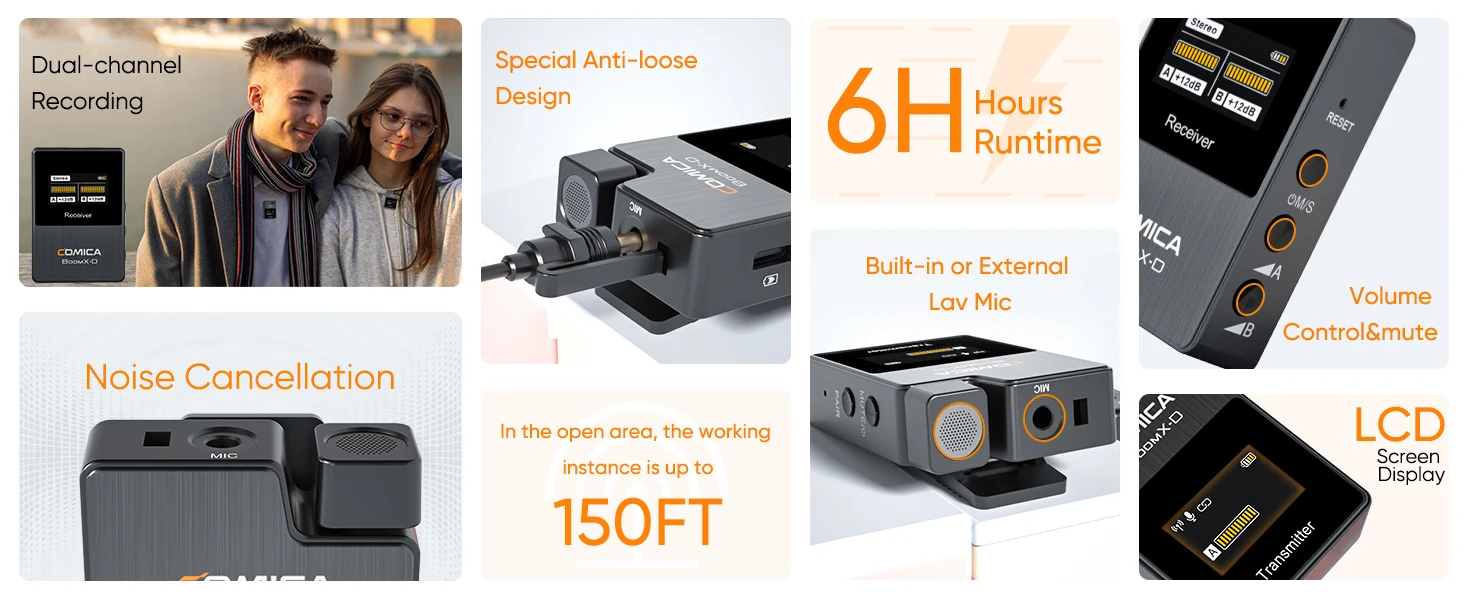

1. The product belongs to high-precision instruments, please avoid falling, collision or pounding
2. Do not use the equipment in the vicinity of heat source or interference source, such as radiator, oven, refrigerator or air conditioner
3. Do not use the equipment in rain or in the damp environment to avoid short-circuit danger

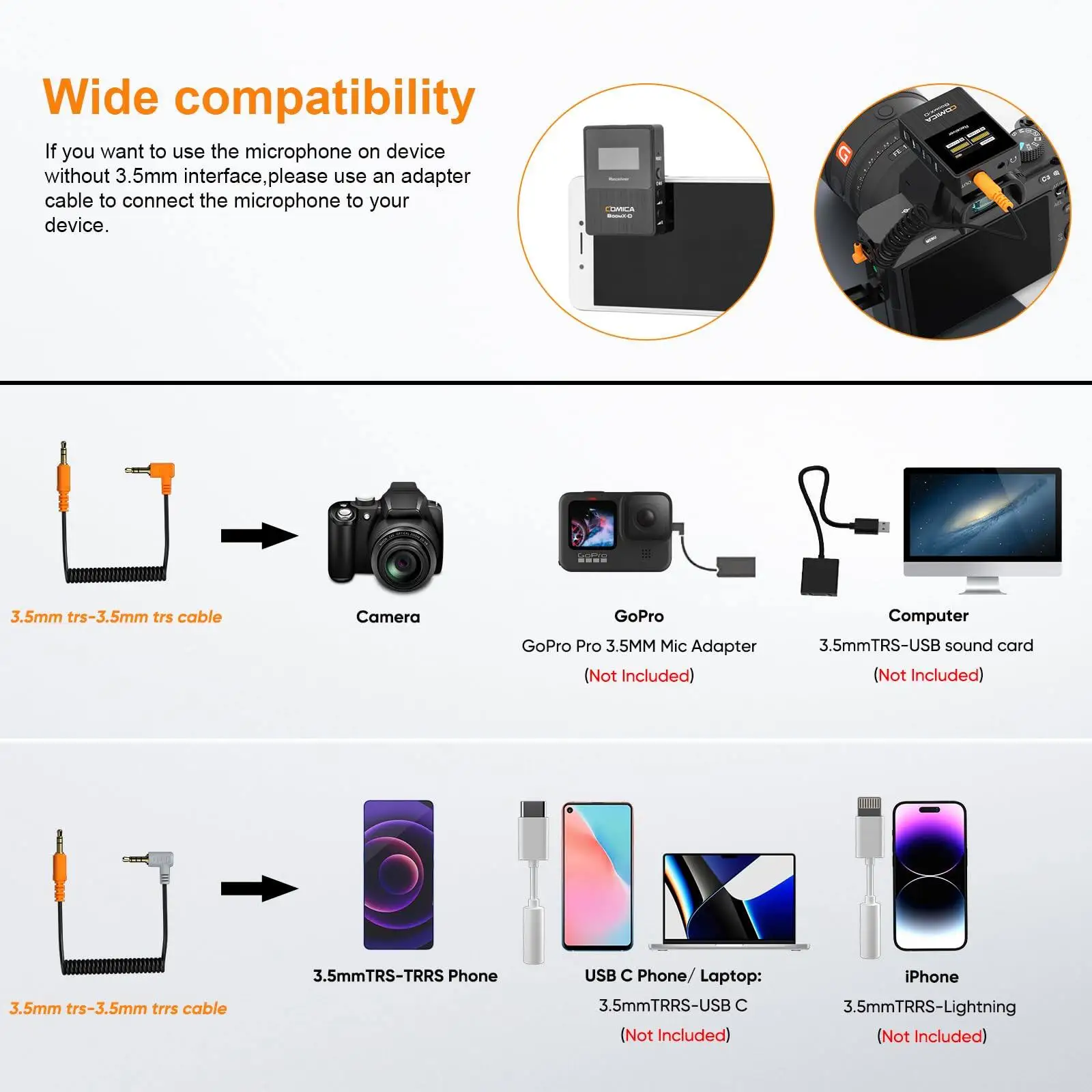
1. How do I connect it to my iPhone?
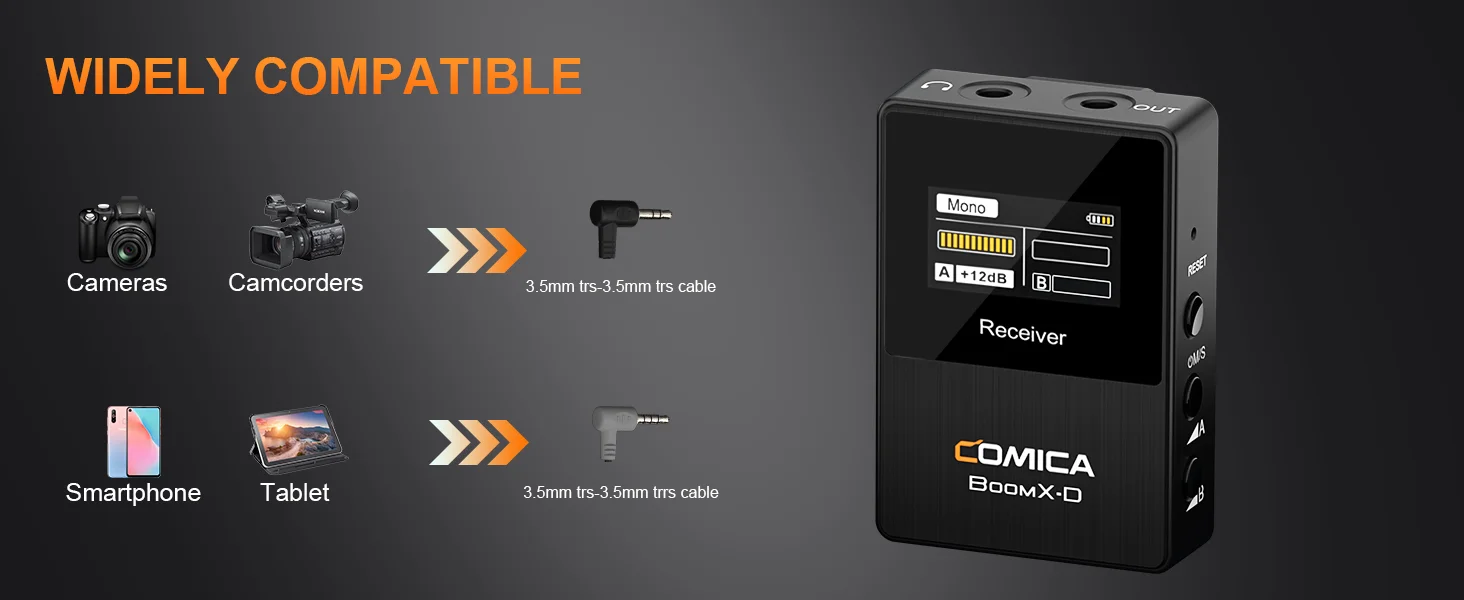
For iPhone users, connect the 3.5mm to Lightning adapter with OTG to the receiver.(It is highly recommended to use the CVM-D-MI audio output cable from COMICA.)
iPhone speaker won't work when connected.
2. How do I connect it to my USB C(Type C) Phone/Laptop?
For USB C device, connect the 3.5mm to the USB-C audio adapter with OTG (not included). (It is highly recommended to use the CVM-D-UC II Output Cable or CVM-SPX-UC Cable Adapter from COMICA.)
Your phone speaker won't output sound.
3. How do I connect it to my computer?
To connect BOOMX-D to a computer with USB-C input, use a 3.5mm to USB-C audio adapter (not included) or a TRS-TRS cable. Make sure to select BOOMX-D as the input audio device for your computer and recording software.
4. What should I do if my camera come with loud background noise?
Manually adjust camera recording volume, lower camera gain, and turn off automatic gain control. Note: BoomX-D may not be compatible with wind noise suppression and noise reduction functions of your camera. Turn off both functions when recording.
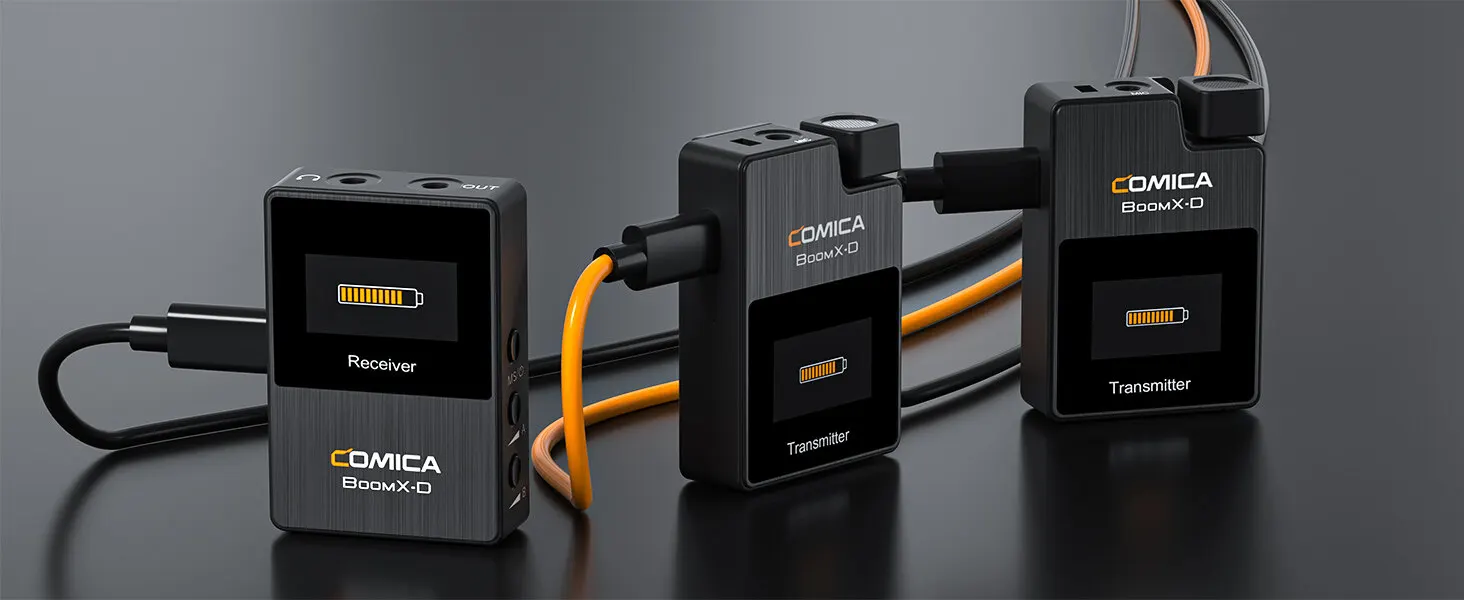
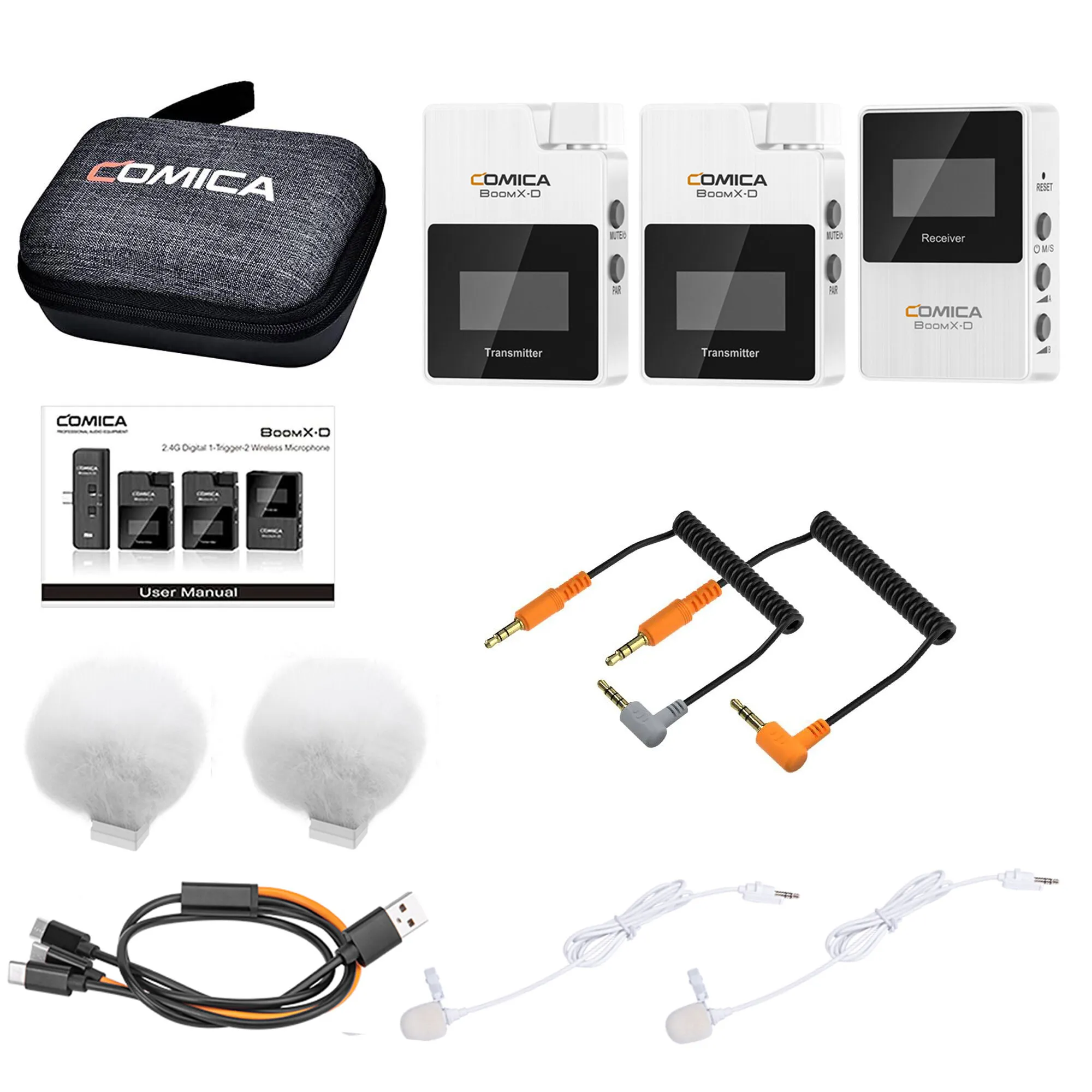
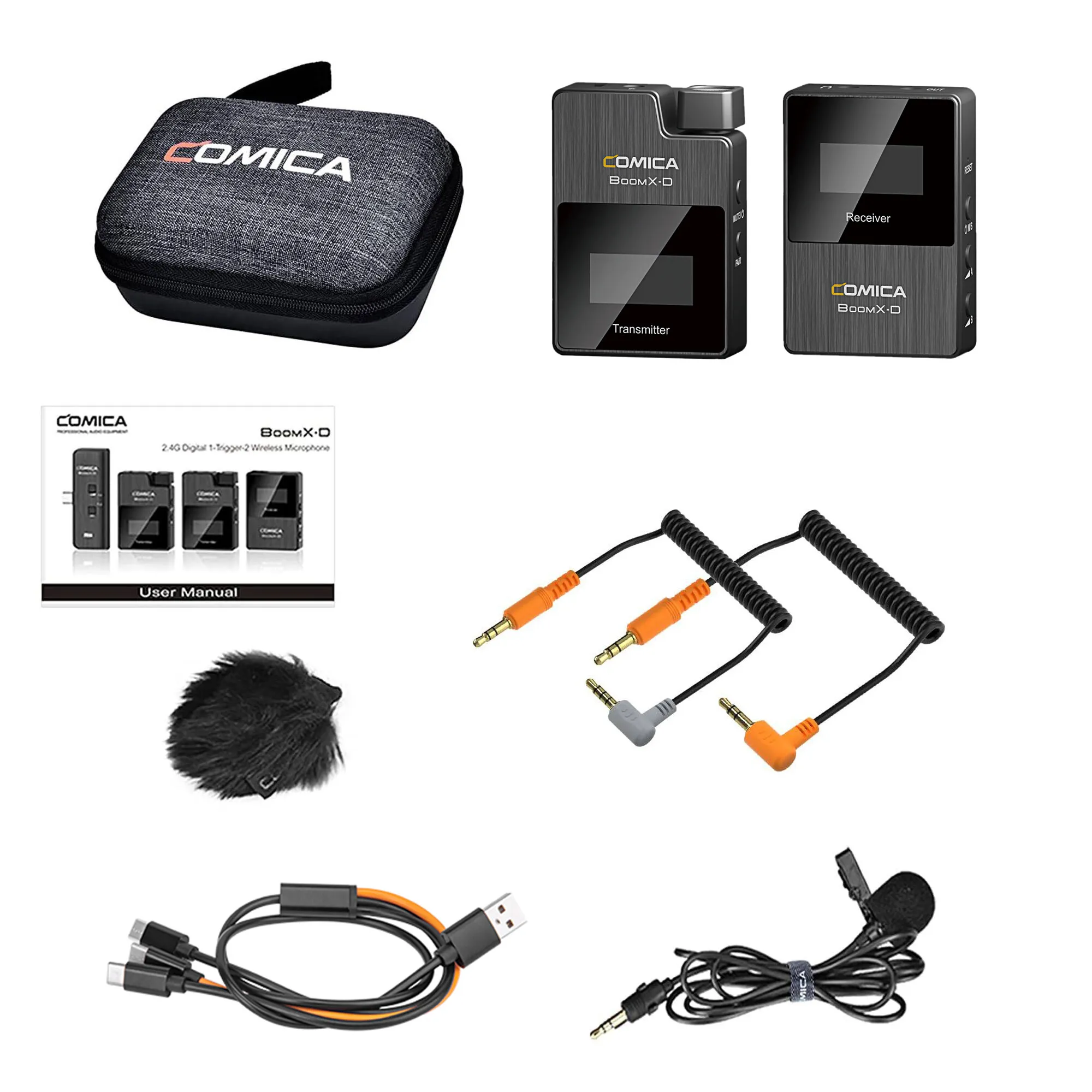
D1=TX+RX
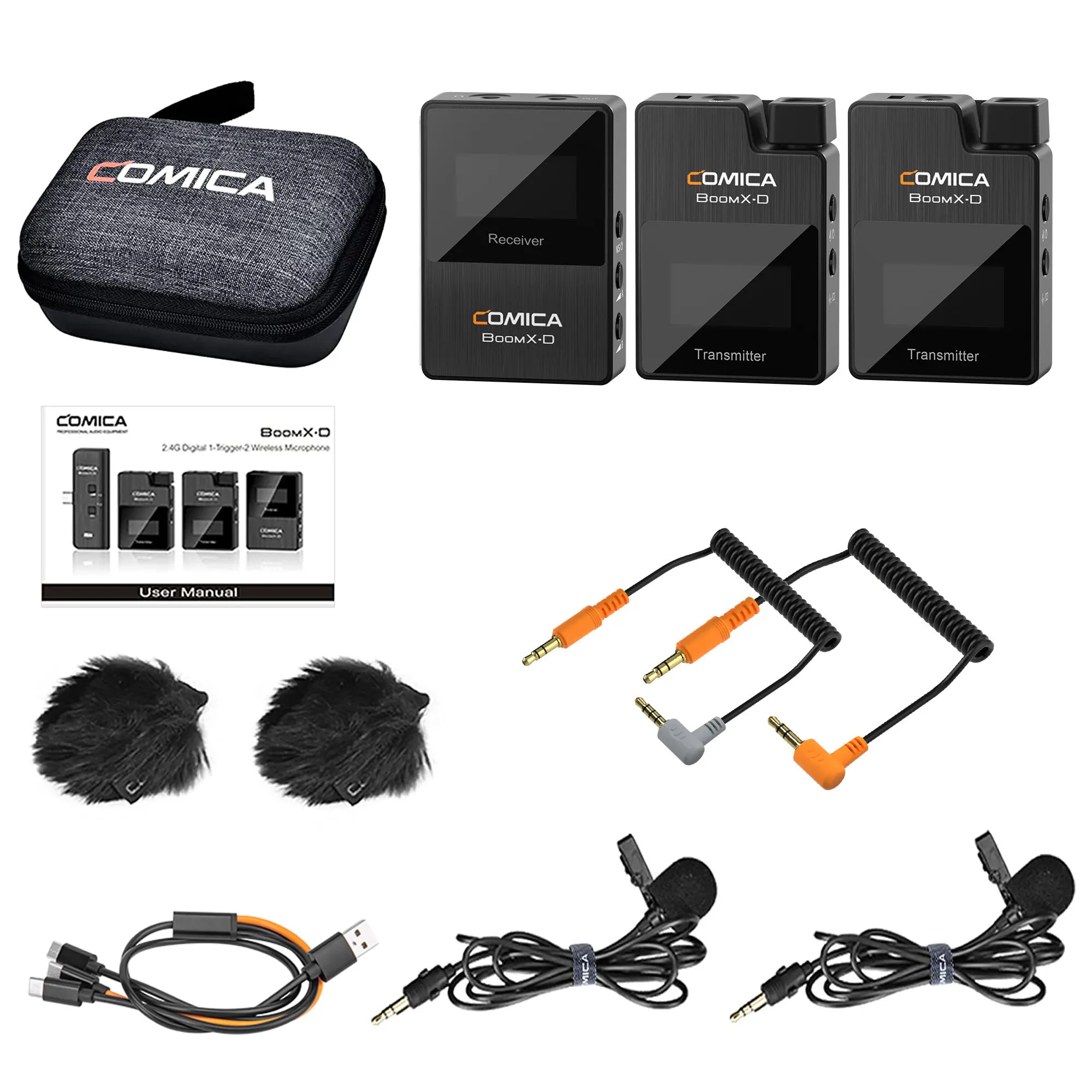
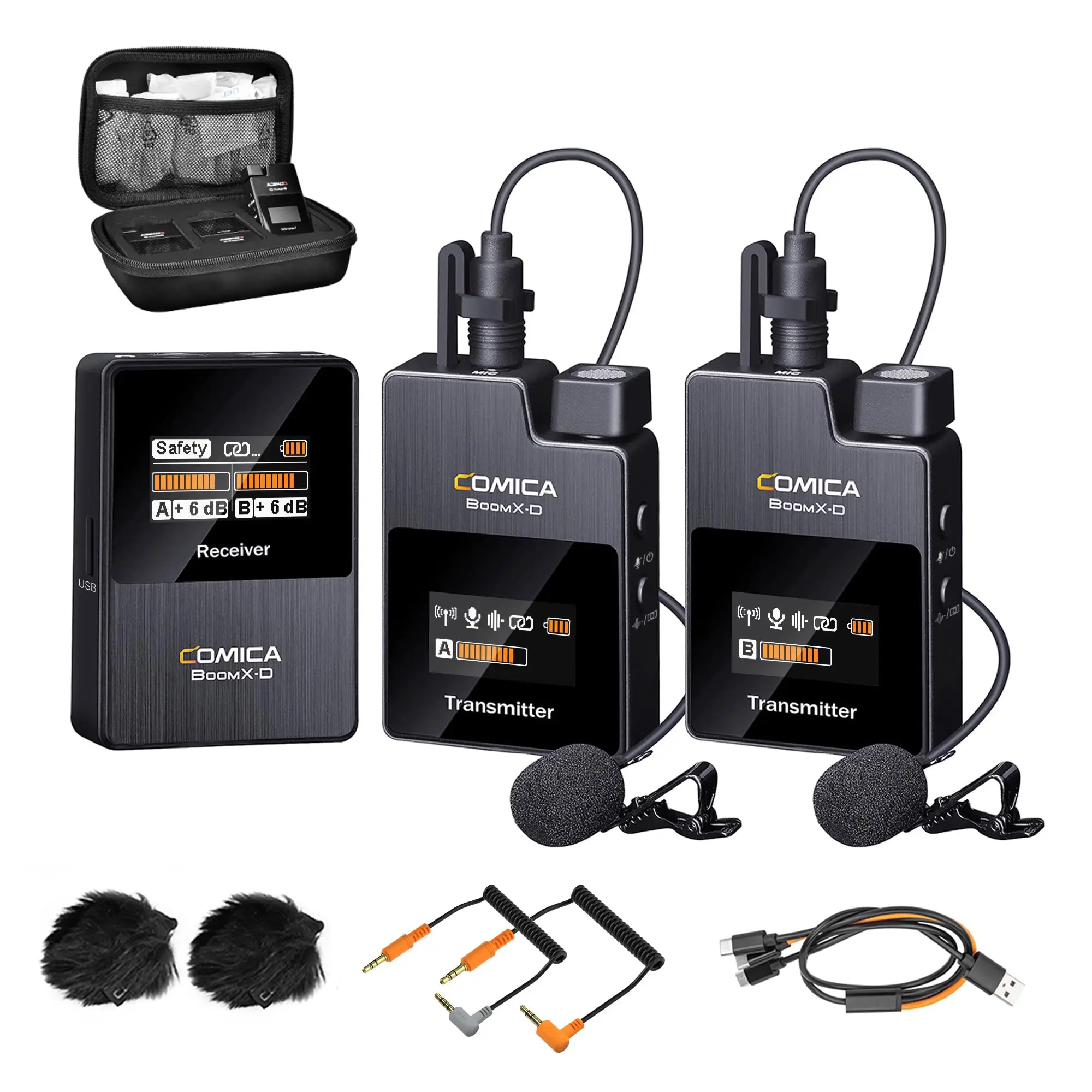
D2=TX+TX+RX
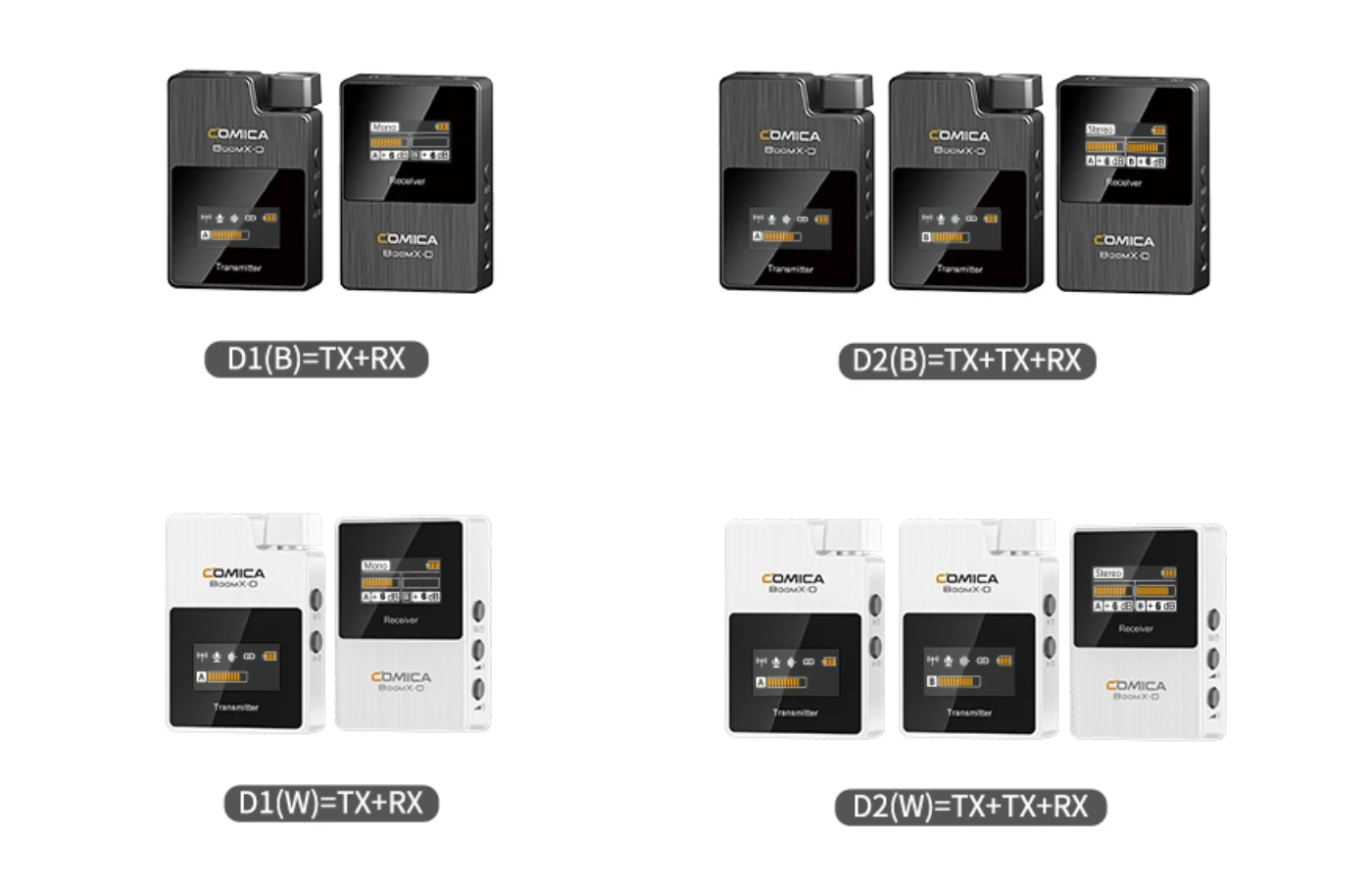

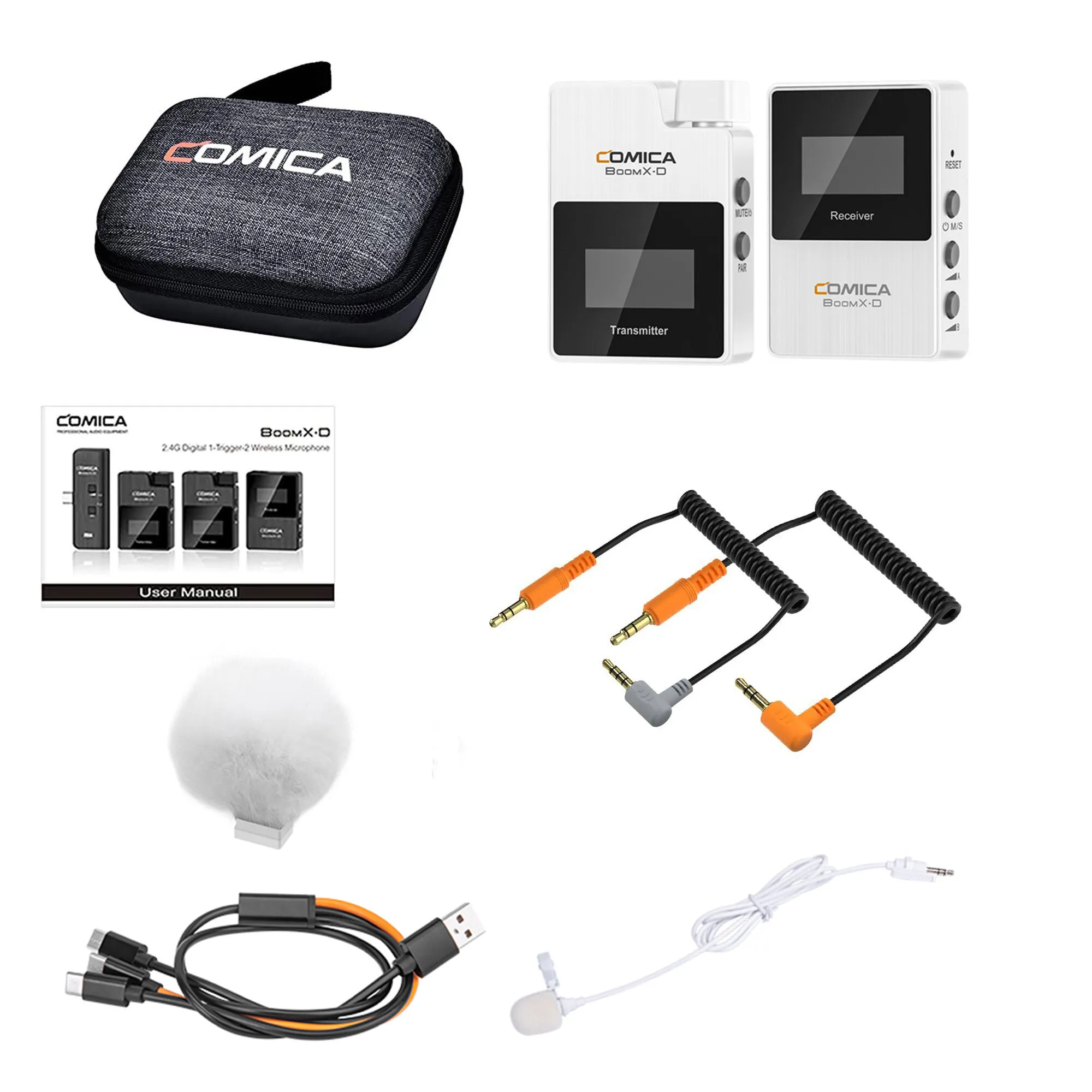
Main Parts:
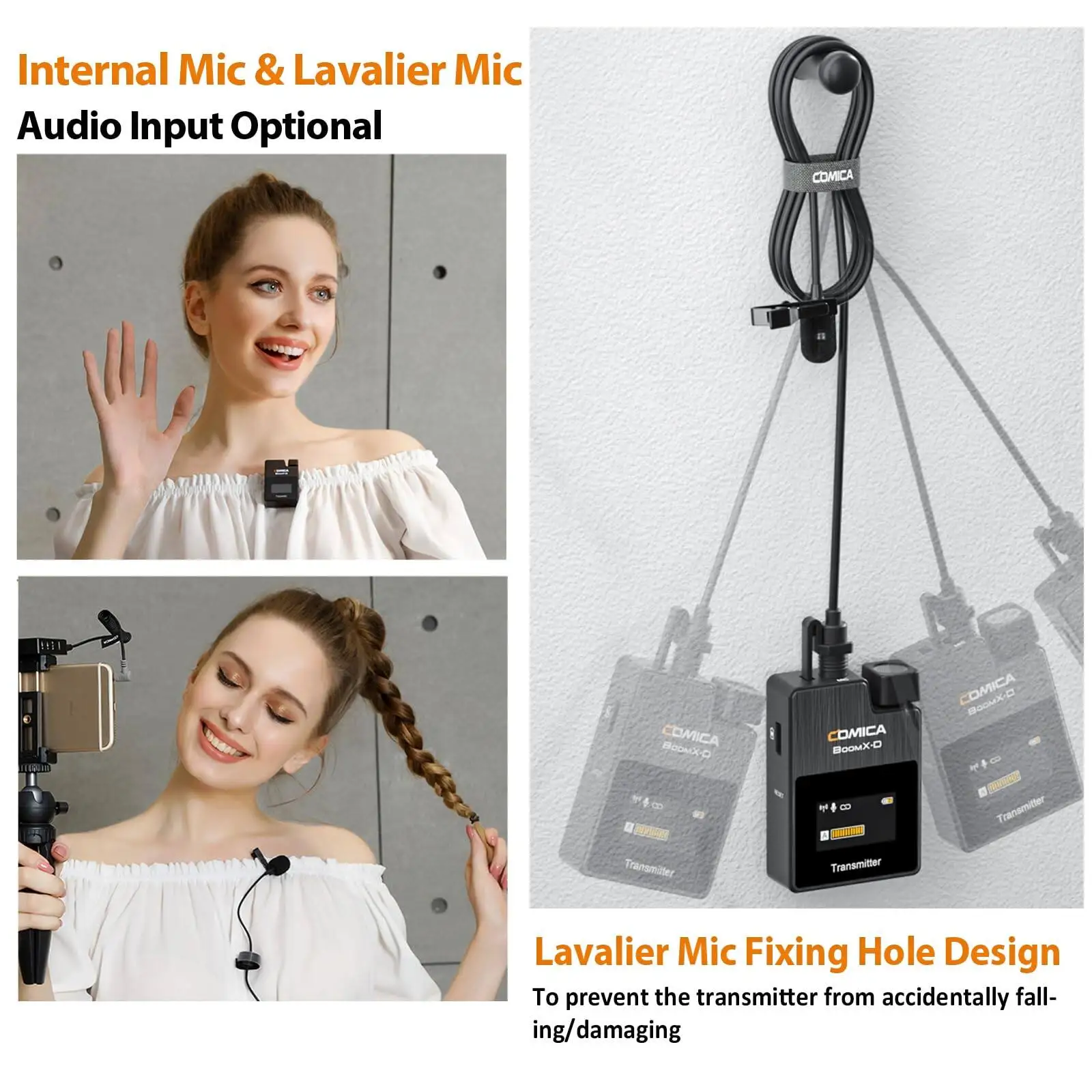
Transmitter(TX)
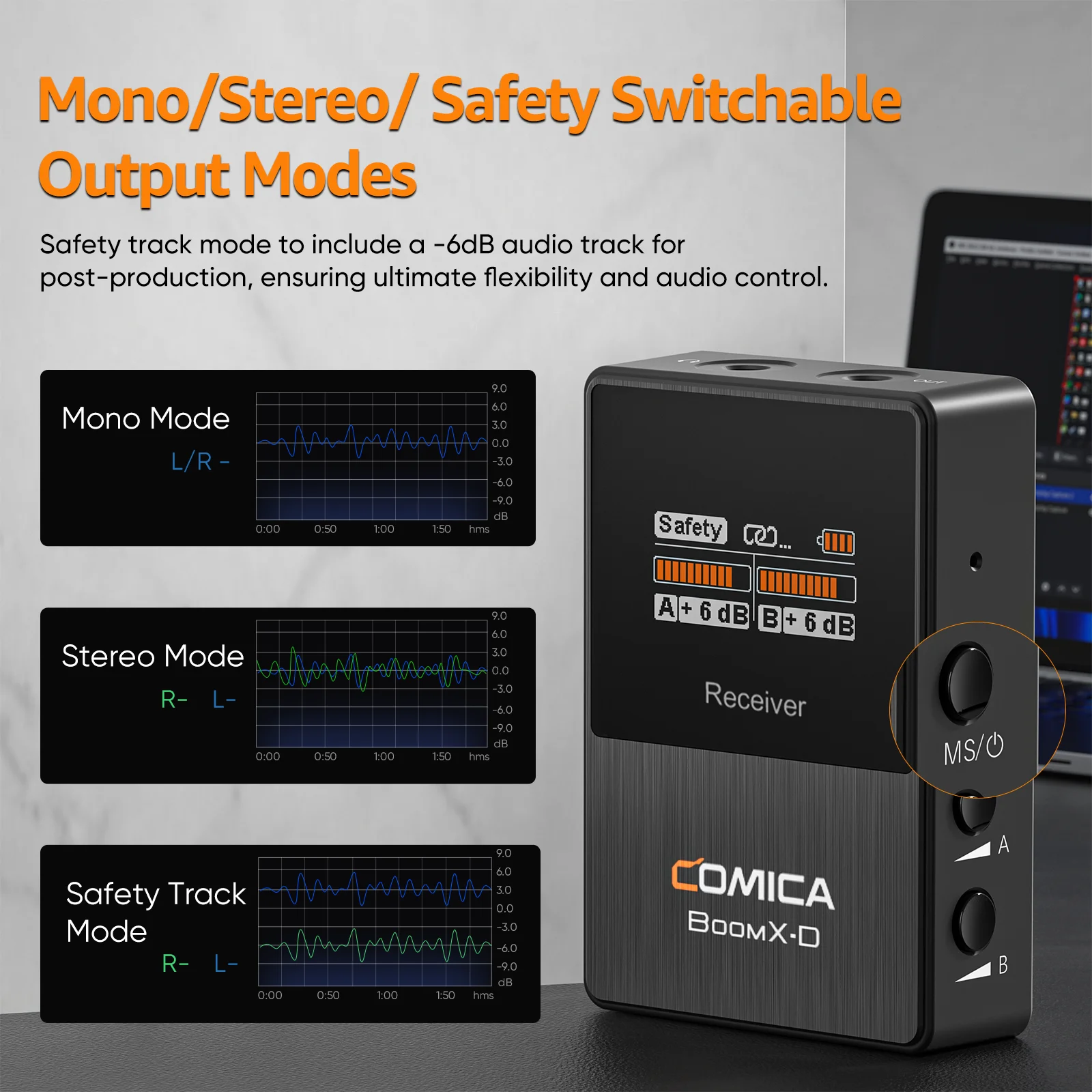
Receiver (RX)
Accessories:
①3.5mm Mic Audio Input Cable
②Wind Muff
③3.5mm TRS-TRRS Audio Output Cable
④3.5mm TRS-TRS Audio Output Cable
⑤Charging Cable
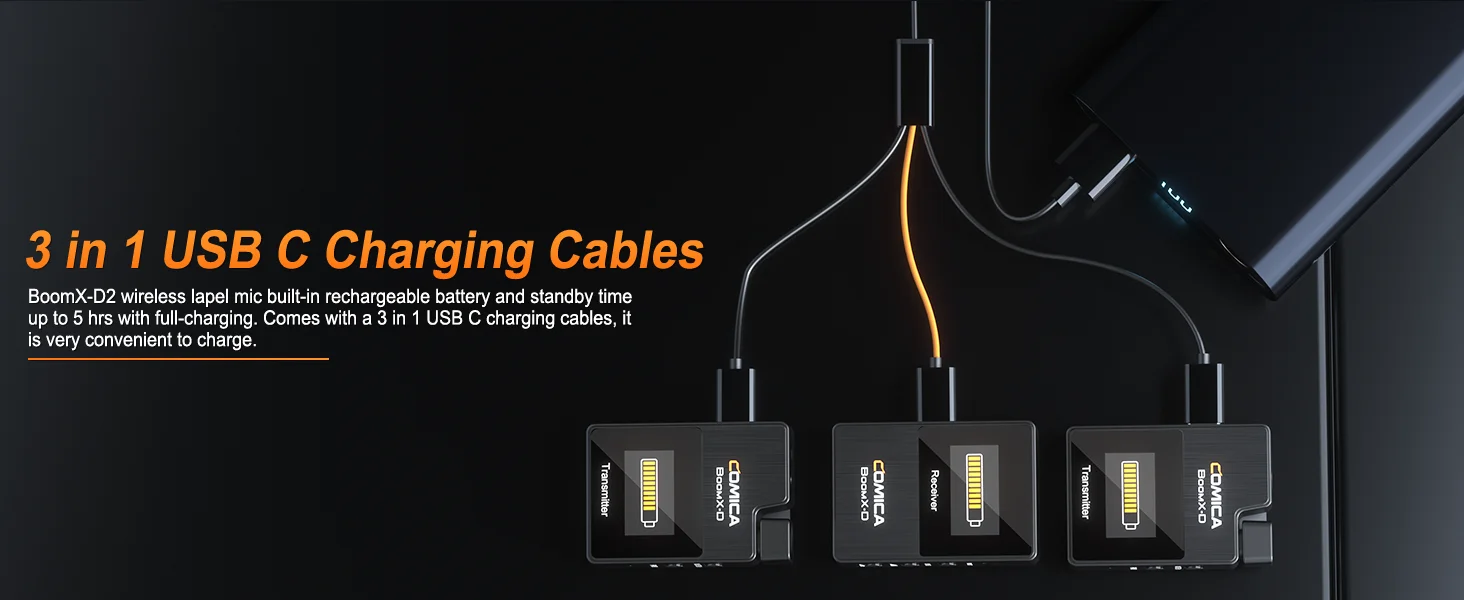
⑥3 in 1 Charging/Output Cable (The orange cable can be used for charging and data transmitting; the black cables can only be used for charging. )
⑦Carry Case
⑧User Manual
⑨Warranty Card